Independent Audio Resource • XM Promo Services LLC
Diagnostic Desk & Field Bench Guide

Radio Not Working Properly?

Get simple troubleshooting tips for cars, boats, and RVs — including no sound, weak signal, static, unclear audio, or a radio that turns on without playing music.

Hardware Diagnostics

CHECK THE HARDWARE

Sometimes the radio itself isn't the problem. Loose wiring, damaged connections, corrosion or a worn antenna can affect reception and audio quality.

If your antenna is rusty, damaged or showing signs of wear, replacing it with a compatible, weather-resistant antenna may help. Before replacing anything, check the antenna connection and wiring first.

BEFORE YOU REPLACE ANYTHING

Start with the basics. Check that the antenna is securely connected and inspect the visible wiring for loose, damaged or corroded connections. If everything looks normal but the problem continues, the system may need a more detailed inspection.

WHEN AN ANTENNA MAY BE THE ISSUE

An antenna may need attention if you notice:

  • •Rust or visible damage
  • •A loose antenna connection
  • •Poor AM/FM reception
  • •Reception that changes when the antenna is moved
  • •An antenna mast that is bent or missing

These can be signs that the antenna or its connection should be checked.

WHEN TO CHECK THE WIRING

Damaged wires, loose connectors or corrosion can also cause audio or reception problems. If the antenna looks fine, checking the wiring and connections is the next sensible step.

Compatibility Note: Replacing a damaged component may help, depending on the cause of the problem. Compatibility varies by vehicle and radio configuration.

COMMON REPLACEMENT PARTS

Check compatibility before ordering. Pricing varies by vehicle and radio configuration.

Prices shown are general market ranges for reference. Actual product pricing and availability may vary.
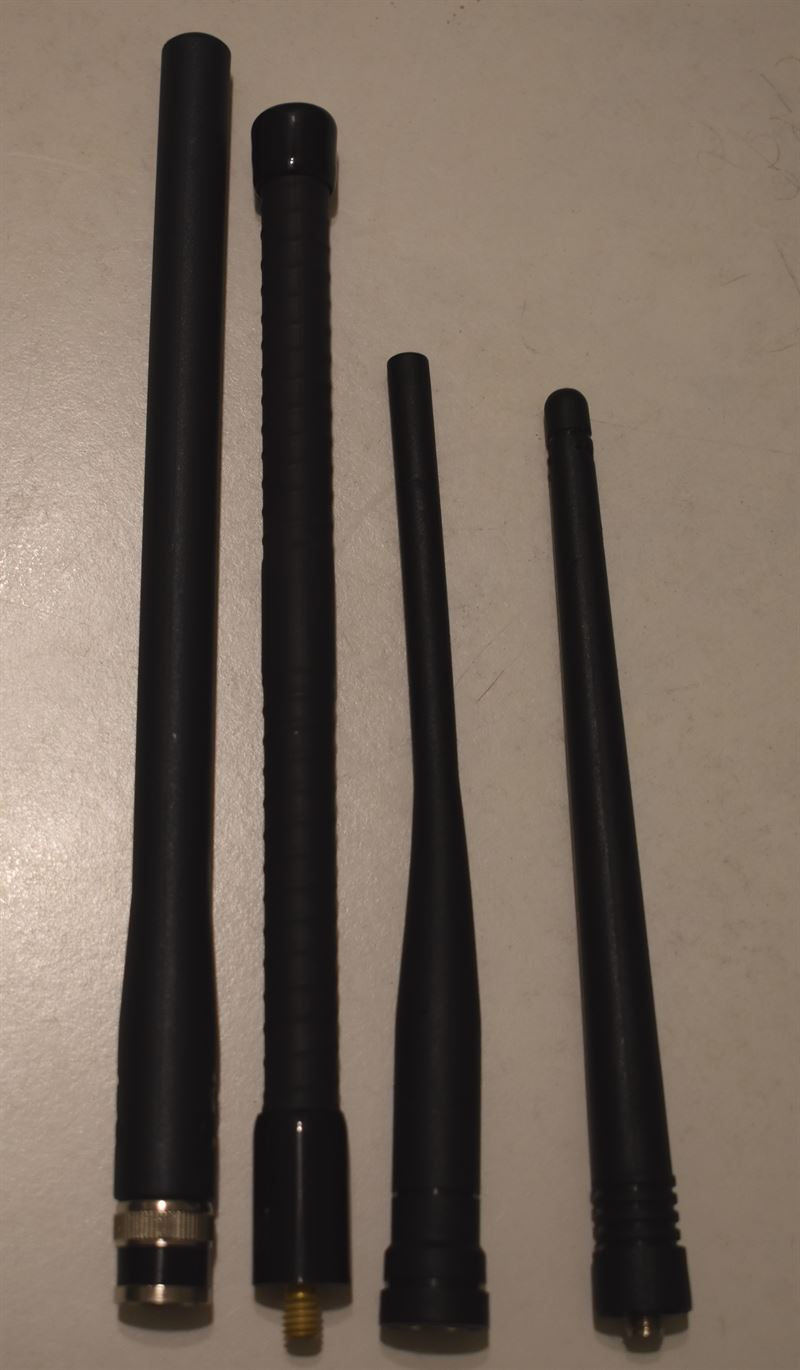
Generic replacement car radio antenna
Product Category

REPLACEMENT ANTENNAS

Replacement antenna options for vehicles experiencing antenna wear or damage. Check compatibility before ordering.

Typical price range:$10–$30
Pricing varies by antenna type and vehicle compatibility.
VIEW ANTENNAS
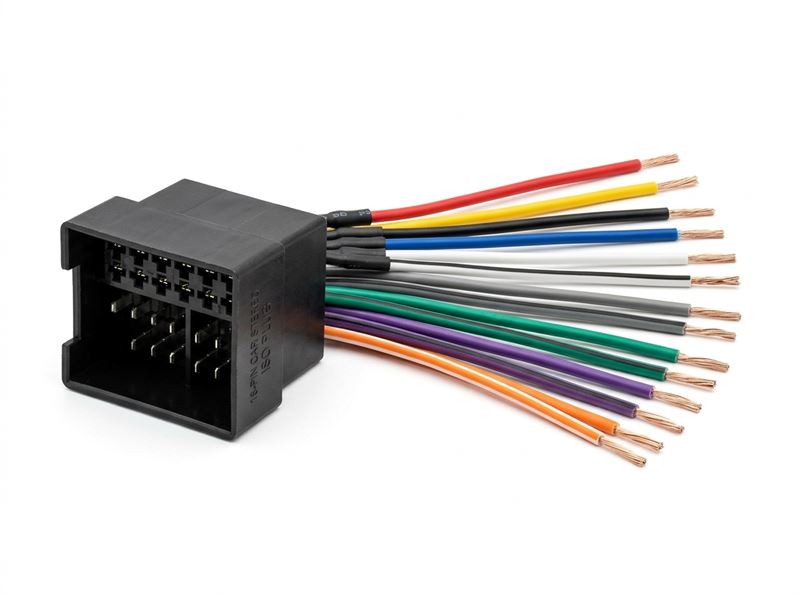
Generic car radio wiring harness
Product Category

RADIO WIRING HARNESSES

Connectors and harnesses designed for specific vehicle and radio configurations. Compatibility varies by vehicle.

Typical price range:$10–$40
Vehicle-specific harnesses and integration adapters may cost more.
VIEW WIRING HARNESSES
STILL HAVING TROUBLE?

TALK TO AN EXPERT: 1-855-666-6137

If checking the antenna and wiring doesn't solve the problem, the radio system may need a more detailed inspection.

Independent radio and infotainment assistance.
CALL AN EXPERT

We provide independent assistance with automotive radio and infotainment systems. Vehicle, product and service names are referenced only where necessary to describe compatibility or the subject being discussed. We are not affiliated with or endorsed by any manufacturer or service provider unless specifically stated.

Interactive Signal & Audio Diagnoser

Select your vehicle platform and symptom to generate an instant shop diagnostic checklist.

Interactive Diagnostic Assistant

Vehicle Audio & Signal Troubleshooter

Select your vehicle category and symptom to generate an instant technical checklist based on automotive RF standards.

Diagnosis Procedure

Line-of-Sight & Active LNA Check

Common Obstruction or Degraded LNA
  • 1Verify clear line of sight to the southern sky, free of tall parking structures, high-rises, or heavy wet tree canopies.
  • 2Inspect the roof antenna for thick tree sap, heavy snow accumulation, or recent roof rack additions casting an RF shadow.
  • 3If you have metallic aftermarket window tint near an internal glass antenna, the metallic particles will block S-band microwaves.
  • 4Tune to Channel 1 (or preview channel 184). If preview plays crystal-clear, your tuner and antenna are working, and an over-the-air refresh signal is needed.

Still seeing "Acquiring Signal"?

Speak directly with an independent audio specialist:

Top 4 Satellite Radio Failure Modes & Immediate Fixes

Engineered solutions tested across factory stereos, aftermarket Pioneer/Kenwood/Sony head units, and standalone tuners.

Symptom #1

NO MUSIC / SIGNAL ("Acquiring Signal" or "Check Antenna")

Observed Symptoms:
  • •Receiver displays "Acquiring Signal" indefinitely under clear open skies.
  • •"Check Antenna" message appears when turning ignition on.
  • •Audio cuts in and out every few seconds even on flat highways.
Underlying Technical Cause:
  • →Pinched or kinked micro-coaxial cable under door weatherstripping or trim.
  • →Failure of 5V DC phantom power supplied by the tuner to the active LNA antenna.
  • →Antenna mounted next to roof racks, tint film, or metallic luggage carriers.
Recommended Field Fix
Tune directly to Channel 0 to check if the Radio ID displays. If Channel 0 shows your 8-digit ID but Channel 1 shows no signal, inspect the SMB/FAKRA antenna connector behind the dash for bent center pins. If using an aftermarket magnetic antenna, ensure it sits flat on exterior bare sheet metal with at least 6 inches of steel perimeter (ground plane).
Symptom #2

AUDIO NOT CLEAR / DISTORTED / MUFFLED

Observed Symptoms:
  • •Music sounds harsh, thin, or heavily clipped at medium-to-high volumes.
  • •Speech and talk shows sound hollow, muffled, or like a low-bitrate telephone call.
  • •Left or right audio channels are missing or intermittently cutting out.
Underlying Technical Cause:
  • →Auxiliary 3.5mm line-out level from an aftermarket dock is set too high (clipping input pre-amp).
  • →FM direct adapter frequency is overlapping with a nearby high-power terrestrial broadcast.
  • →Loose RCA interconnects or cold solder joints inside factory amplifier wiring harness.
Recommended Field Fix
If connected via 3.5mm AUX or FM modulator, lower the dock/tuner line-out volume to approximately 65–70% and raise the vehicle stereo master volume. This prevents preamp clipping. If using an FM transmitter, switch to a clear frequency between 88.1 and 107.9 MHz that has no local station within 100 miles.
Symptom #3

STATIC OR NOISE IN ISSUE (Alternator Whine & Ground Loops)

Observed Symptoms:
  • •High-pitched electronic whine that rises and falls in direct sync with engine RPM / accelerator.
  • •Low-frequency 60Hz/120Hz humming or buzzing when headlights or AC blower turns on.
  • •Popping or clicking noise when shifting transmission or tapping brake pedals.
Underlying Technical Cause:
  • →Ground loop created when the satellite tuner and car stereo ground at different vehicle chassis points.
  • →Antenna coaxial line routed parallel to high-current 12V alternator charging cables.
  • →Failing diode in the vehicle alternator bleeding AC ripple voltage onto the DC power bus.
Recommended Field Fix
Install an in-line RCA Ground Loop Isolator with high-grade audio transformers between the tuner audio output and the stereo aux input. Ground the tuner chassis directly to the vehicle bare steel chassis floor using a star-ground configuration, avoiding factory cigarette lighter grounding tabs.
Symptom #4

RADIO IS ON BUT NO MUSIC / CHANNEL MAP STUCK

Observed Symptoms:
  • •Stereo turns on normally, displays channel names, but no audio comes out of speakers.
  • •Stuck on Channel 1 (Preview Channel) with all other subscribed stations skipped or unavailable.
  • •Display shows "Updating Channels" or "Loading" continuously without finishing.
Underlying Technical Cause:
  • →Receiver authorization cryptographic tokens have expired or missed over-the-air refresh packet.
  • →Vehicle was parked in an underground garage during annual billing or channel map restructuring.
  • →Tuner microprocessor memory buffer overflow or corrupt cached channel lineup.
Recommended Field Fix
Park vehicle in an open area with an unobstructed view of the southern sky. Tune radio to Channel 1 (Preview). Keep ignition ON and do not change channels. Submit an over-the-air activation/refresh signal via your account or call 1-855-666-6137 for technical dispatch. Keep radio on Channel 1 for 15 minutes until the cryptographic handshake updates.

In-Depth Troubleshooting & Wiring Articles

Read comprehensive shop manuals on antenna physics, aftermarket interfaces, and audio restoration.

View all articles
Technical & Diagnostic Desk

Looking for a specific solution? Our Experts can point you in the right direction.

Need an exact FAKRA antenna pinout, marine chartplotter radar integration, avionics SoftMute wiring, or help troubleshooting an persistent "Acquiring Signal" fault? Our technical desk is ready to help.

Speak to a Specialist: 1-855-666-6137
Certified Audio TechniciansZero-Pressure Honest Fitment AdviceToll-Free USA Assistance • Mon–Fri 8am–8pm EST